iPhone, iPad and Android
The whole workshop, on the device in your hand
Nine instruments with layouts you can resize and retune, a hundred lessons that fall in time, a grid to write on, a band to play your groove and an orchestra to conduct. Every sound is bundled, so none of it needs a signal.
Works offline on phones and tablets, in 21 languages. Bring an instrument wherever you go.
What is inside
Six rooms, and none of them need a connection once the app is on the device.
-
Nine instruments
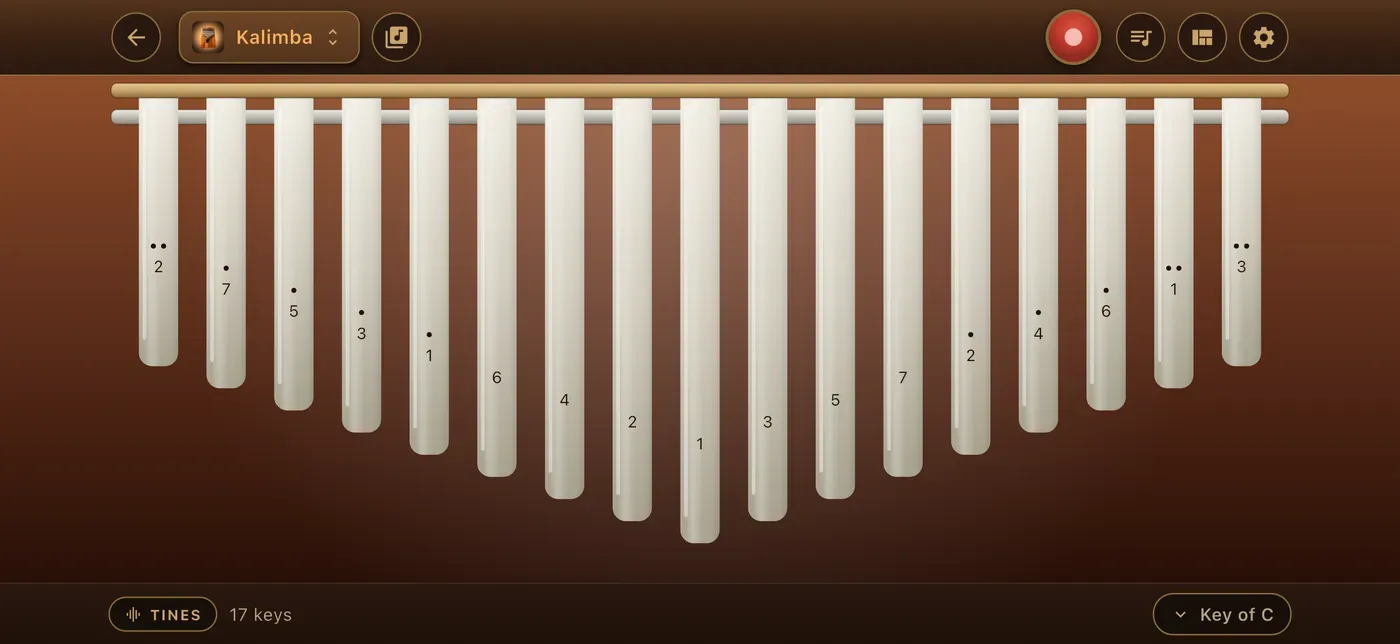
Piano, drums, guitar, kalimba, handpan, violin, xylophone, guzheng and accordion, each with layouts you can resize and retune.
-
A hundred songs to learn
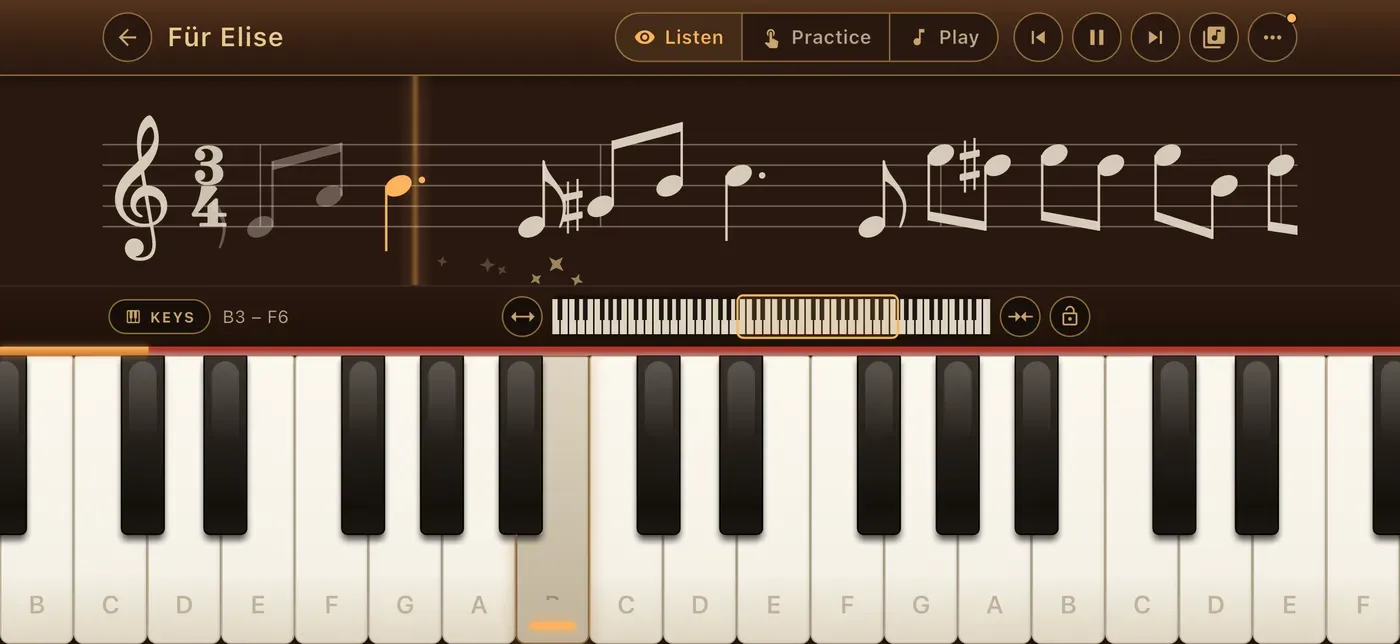
Short parts, a gentle pace, and it picks up where you left off. The notes fall in time on the board you chose.
-
Song Maker
Draw a melody over a beat, keep it, and play it back on any instrument in any key.
-
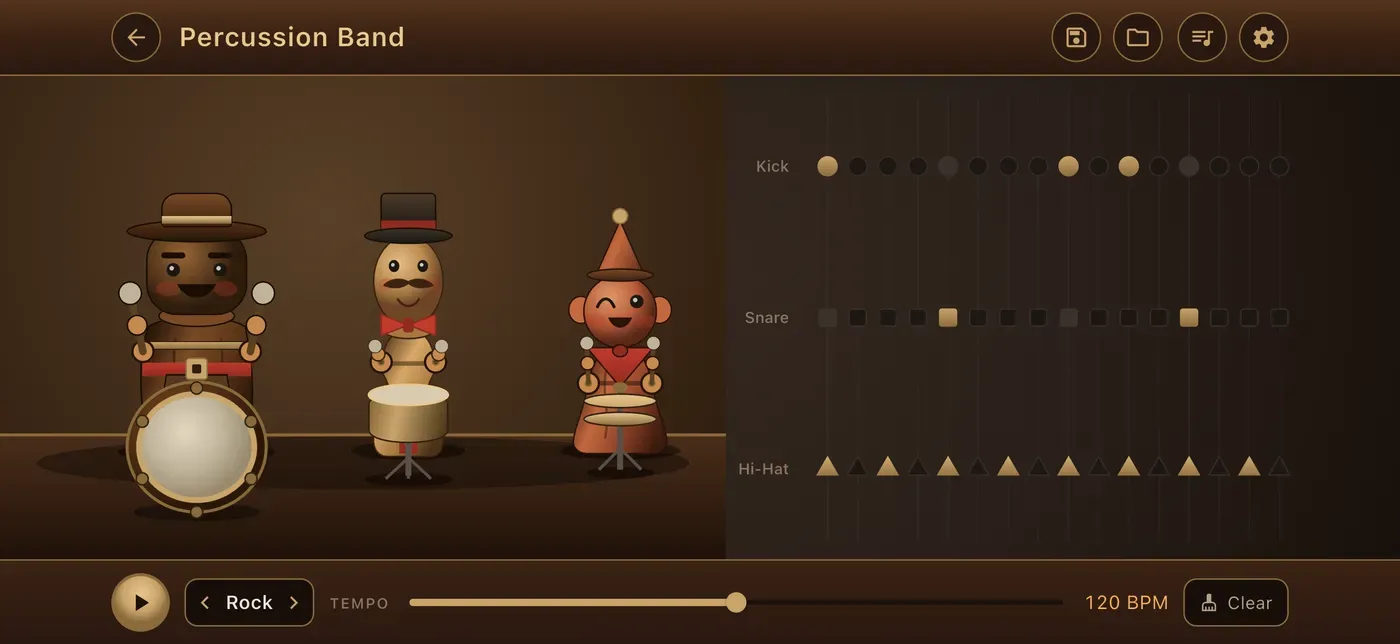
A percussion band
Samba, salsa, folk and toybox kits whose players strike exactly what you hear.
-
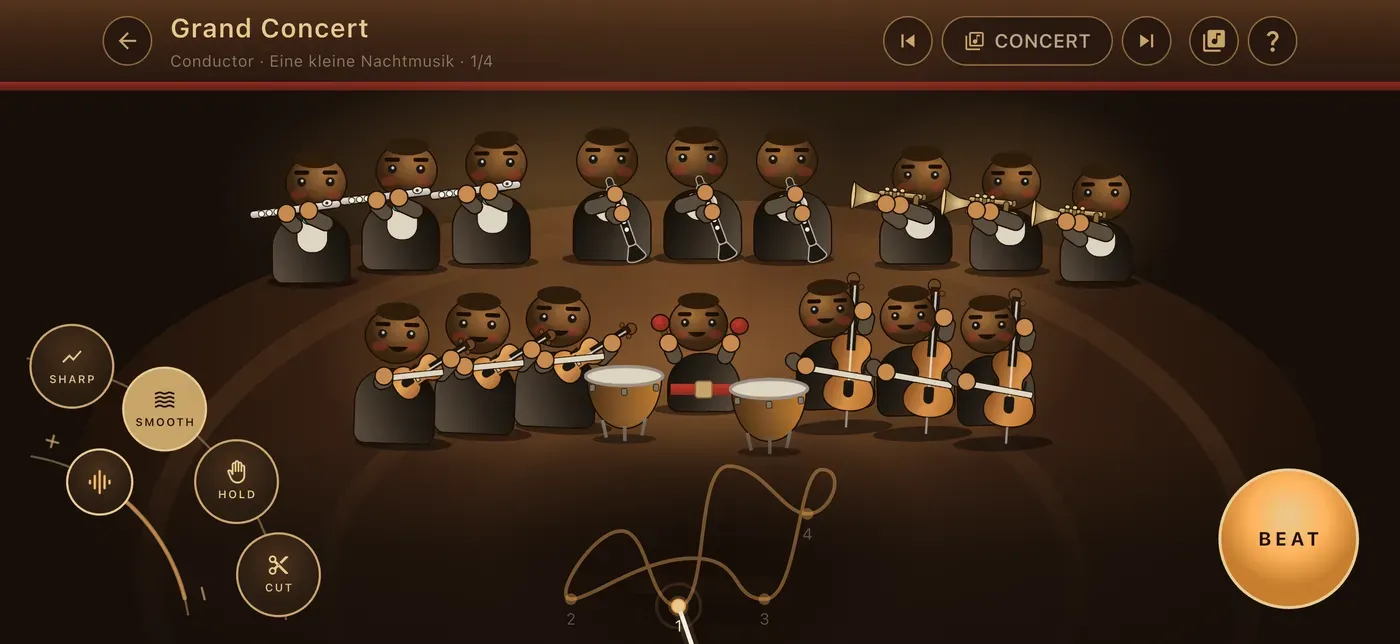
An orchestra to conduct
Real conducting patterns, winds, brass, strings and timpani following your hand.
-
Recording, and 21 languages
Every take can be kept, replayed and exported as MP3 or WAV. All of it works with no connection.
What it looks like
Eight rooms, photographed off a phone rather than drawn for a poster.
-
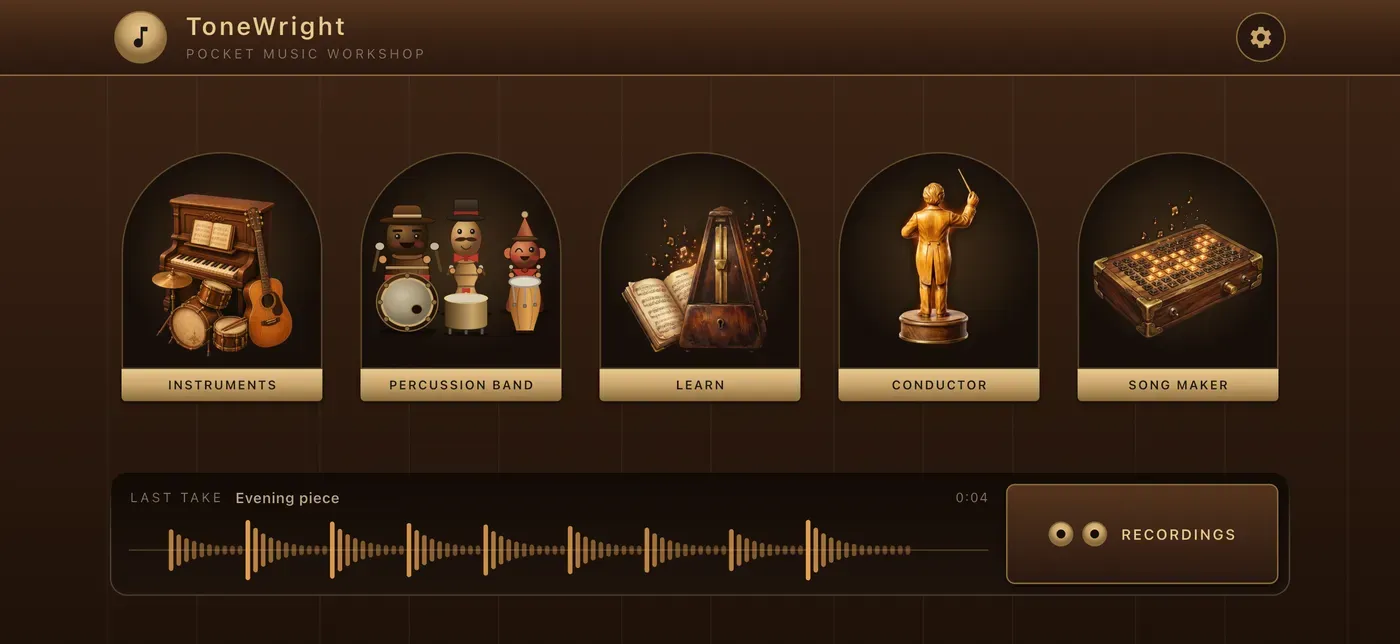
The workshop One door per room, and it opens where you left off. -
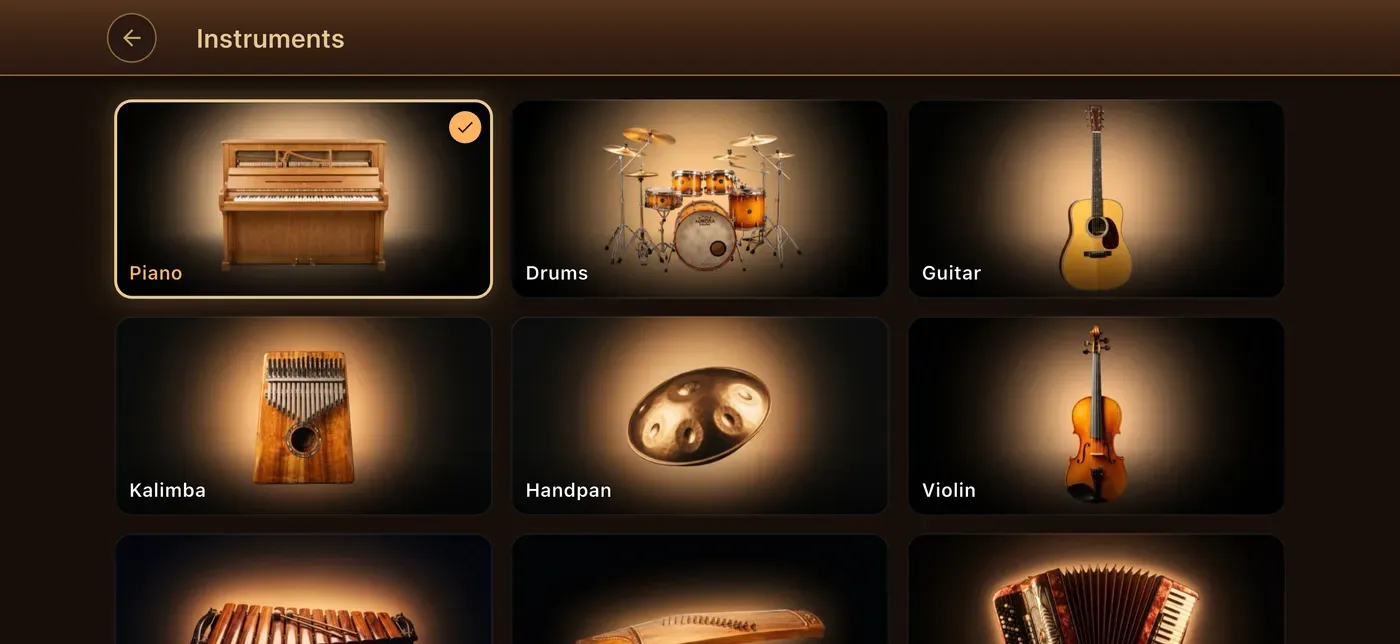
Nine instruments Pick one and it is already tuned, laid out and ready. -
A lesson The notes fall in time and the board waits when you miss. -
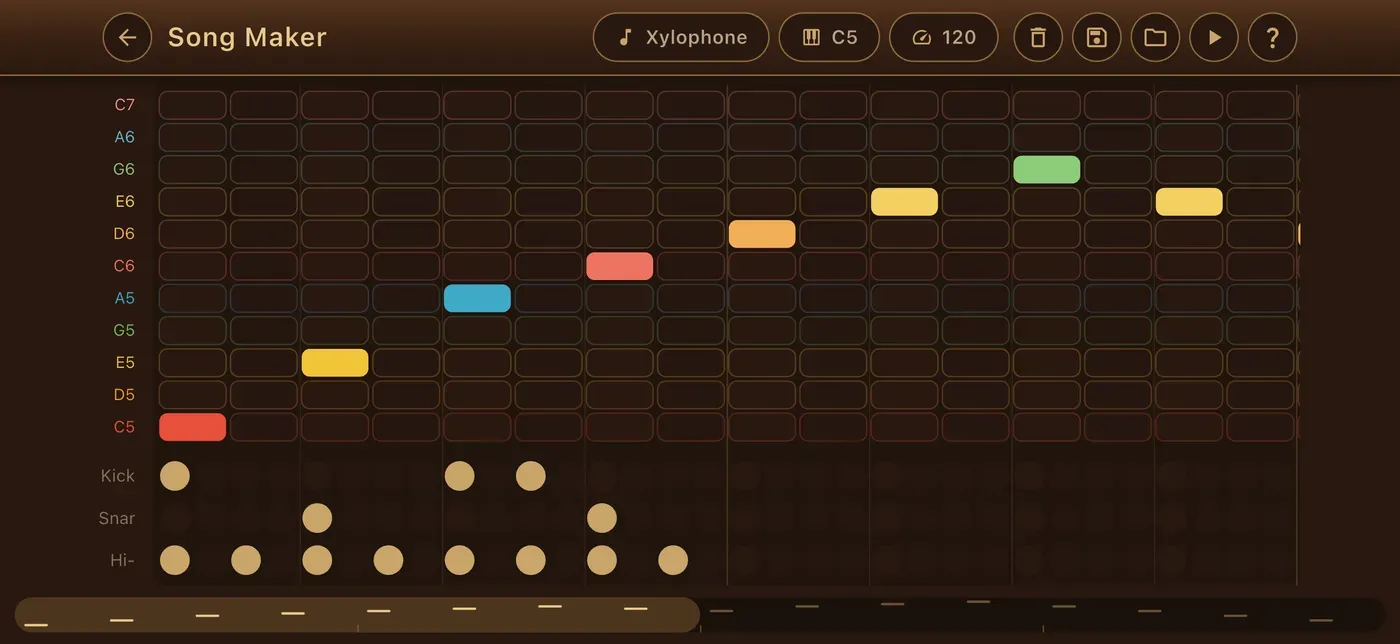
Song Maker Draw a melody over a beat, then hand it to any instrument. -
The Percussion Band Sketch a groove and the players strike exactly what you hear. -
The Orchestra Your hand keeps the time. Winds, brass, strings and timpani follow it. -
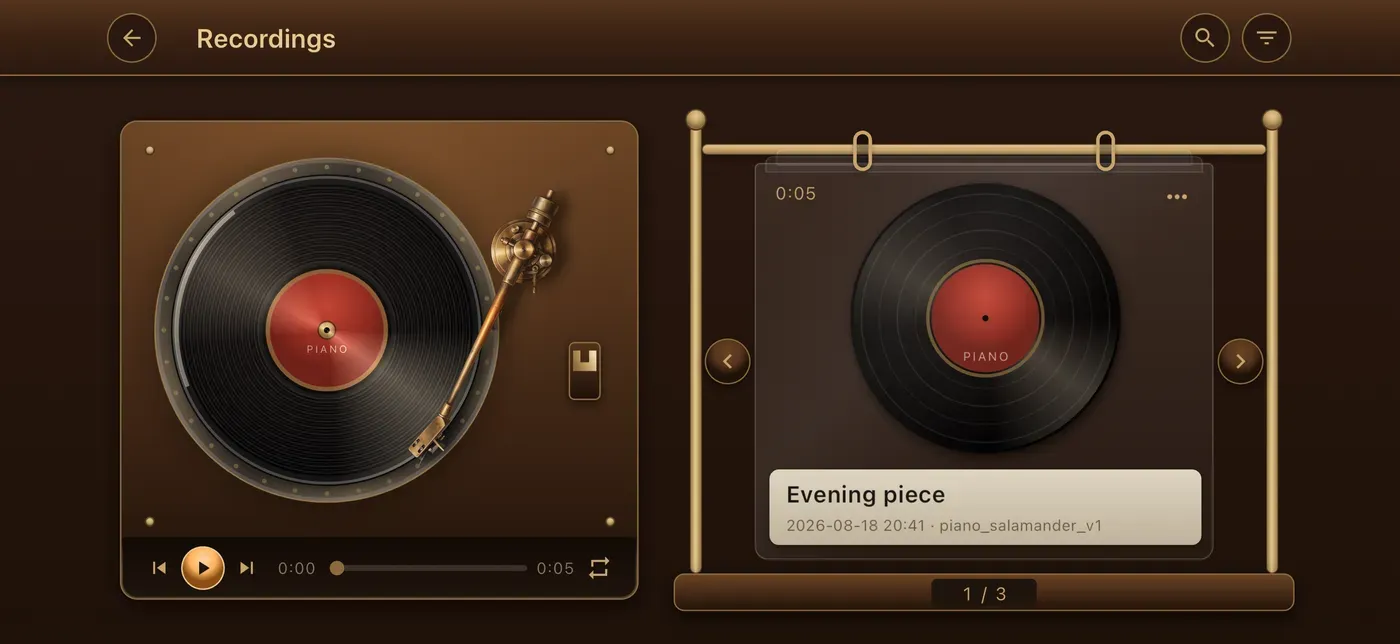
Every take Kept on a turntable, replayed, exported as MP3 or WAV. -
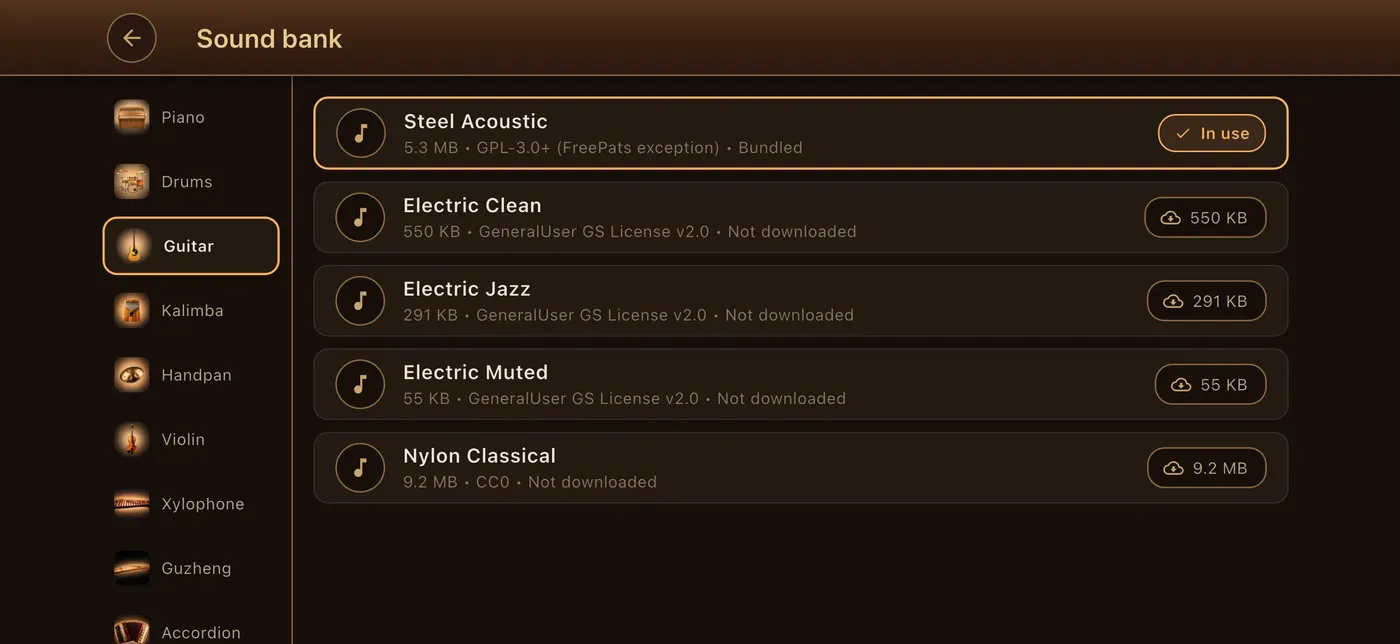
The sound library Swap the voice of an instrument, or download an extra bank once.
Scroll sideways for the rest.
Why the app and not the browser
A web page cannot answer a finger the way an instrument has to. In the app the sound follows your touch in a handful of milliseconds, because the audio runs in a native engine written for exactly that. A browser sits behind layers it does not control, and on some phones that is a tenth of a second, which is long enough to feel like a mistake rather than a note.
| In the browser | In the app | |
|---|---|---|
| Sound the instruments | Yes, all nine | Yes, and more sound banks |
| Answer a finger instantly | Whatever the browser allows | A native engine, in milliseconds |
| Play with no connection | No | Yes, every sound is bundled |
| Resize and retune the board | No | Yes, on every instrument |
| Learn a melody note by note | No | A hundred of them |
| Write a tune, or a groove | No | Song Maker and the Band |
| Record and export a take | No | MP3, WAV, and a ringtone |
Questions people actually ask
-
Does it work without a signal?
Yes. Every instrument, every lesson and every room is on the device after the download, so a plane, a tunnel or a rented flat with bad wifi makes no difference. A few extra sound banks are optional downloads, and only if you go looking for them.
-
What does it store about me?
What you play stays on the device: recordings, songs you make, your settings and how far you have got through the lessons. The privacy page sets out exactly what this version keeps and where, and it is the page that gets updated when that changes.
-
Do I need an account?
No. Open it and play. Nothing you make leaves the device unless you export it yourself.
-
What does it need?
An iPhone, iPad or Android phone or tablet. Everything is bundled, so after the download it needs no connection at all.
The full statement is on the privacy page, and anything else can go to contact@tonewright.app.